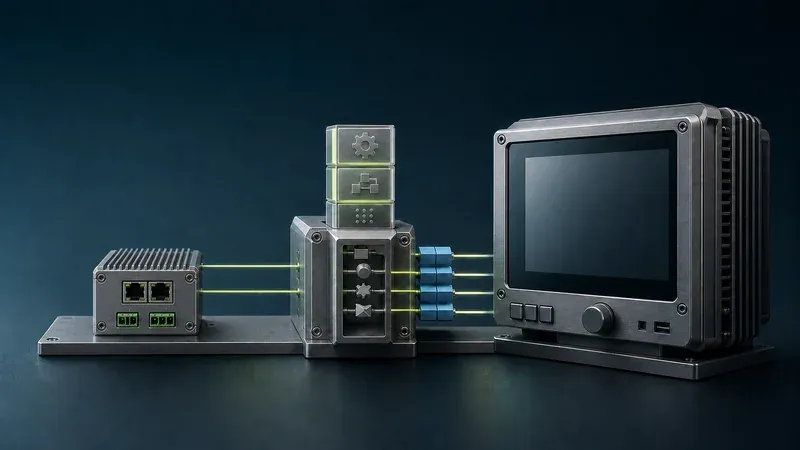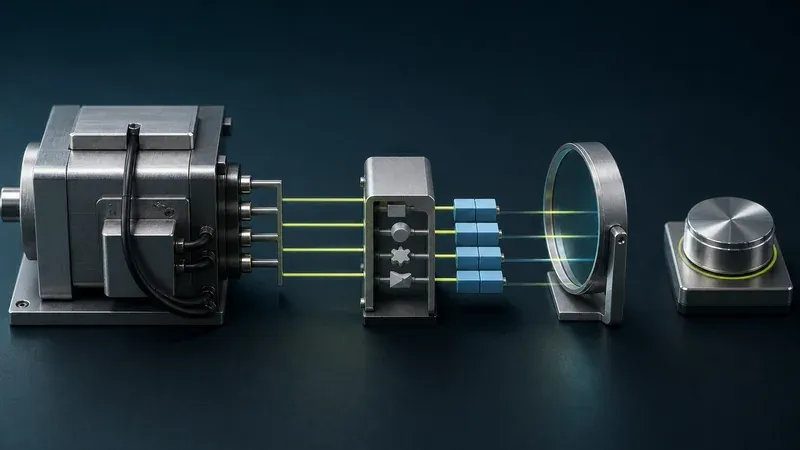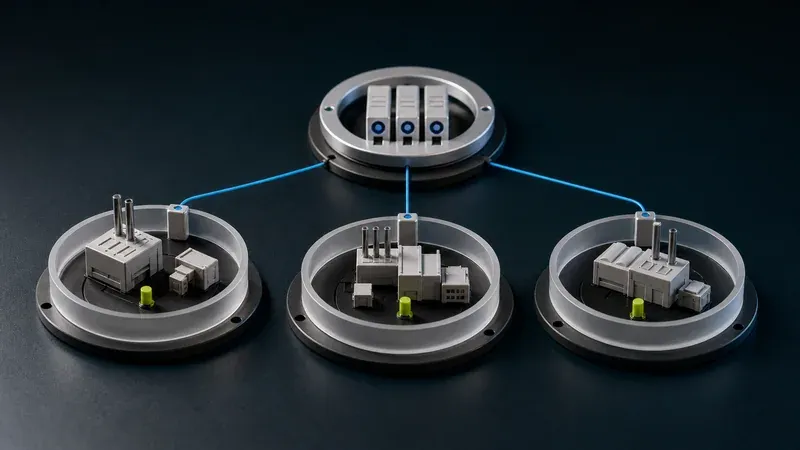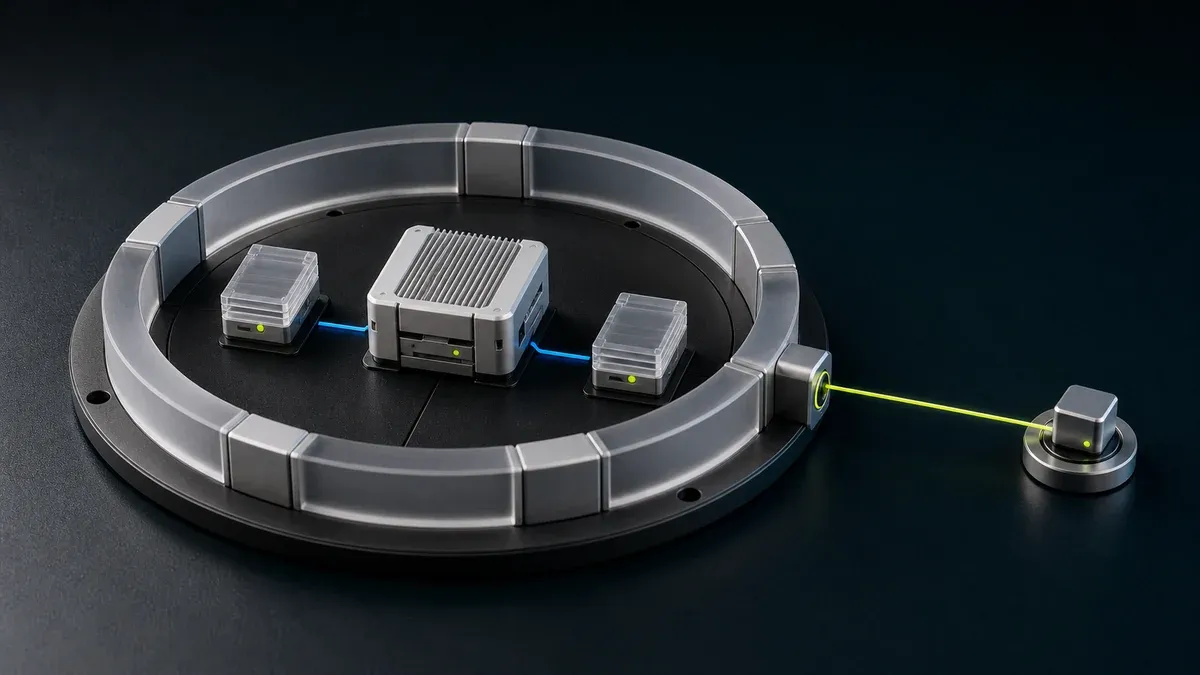
An industrial edge box collects selected machine data and runs applications on site. A factory can use it for local production records and operator screens while controlling which services may connect outside the plant.
Separate three cases: blocked inbound internet connections, permitted outbound connections, and a fully isolated network. Local applications, remote service and hosted AI do not have the same network requirements.
The NIST fog computing conceptual model describes distributed computing resources placed between smart end devices and centralized cloud services, while making clear that one label can cover several architectural patterns. In a factory, the useful question is therefore not whether a device is marketed as “edge,” but which local workloads, interfaces, lifecycle duties, and failure modes it actually owns.
What is an industrial edge box?
In plain terms, an industrial edge box is an on-site computing layer placed close to equipment.
It usually does three jobs:
- connects to machines, PLCs, and local services
- organizes or exposes data locally for applications
- provides a controlled path for approved management or remote access
That local placement matters. Instead of depending on every system to connect outward in its own way, the edge layer becomes the structured point where plant-floor data and operational software meet.
Why edge matters in restricted networks
Many factories operate under one or more of these conditions:
- strict firewall rules
- no direct internet exposure
- legacy assets with limited integration options
- separate OT and IT environments
- internal requirements to keep operational systems on premises
In that environment, cloud-first designs are often hard to implement cleanly.
An edge box helps because it keeps the first layer of connectivity and processing local. Data can be collected, normalized, and used on site before the team decides what else should happen next.
Edge platform versus point solution
A protocol converter or a single-purpose dashboard can be enough when the job is fixed. An edge computer becomes useful when the same machine data needs to serve several applications on site, such as:
- machine connectivity
- production monitoring
- line dashboards
- alarm visibility
- MES functions
- remote diagnostics
- vendor support workflows
For example, a production counter can feed an MES report while retained measurements and manuals support a maintenance investigation. The team can add an approved application to the existing Box, then grant the machine and data access it needs.
Common use cases
Local machine connectivity
The first use case is usually simple: connect PLCs and machines and make the data usable locally.
This creates a cleaner data path for operators, supervisors, and applications without requiring each machine to be handled differently.
MES and production visibility
An edge box can host or support MES-style capabilities close to production, such as:
- status by line or machine
- run and stop tracking
- counts and trends
- basic operator-facing views
- event and alarm visibility
This is often easier to pilot on site than launching a full enterprise MES program on day one.
Controlled remote support
In many environments, machine builders or service teams need a structured way to support installed equipment. An edge box can provide the local anchor point for that access without treating the whole plant as open infrastructure.
Future expansion
Additional applications can use the local platform when its compute capacity, storage, interfaces and approved permissions support them. Check those requirements before adding each workload.
What to look for before deployment
Local compatibility
Start with the real equipment on the floor. Which PLCs, protocols, and services need to connect?
Operational simplicity
The box should not create a maintenance burden bigger than the problem it solves.
Modularity
The best deployments start with one use case and expand later. A modular structure reduces project risk.
Clear remote access controls
If the box supports remote operations, that access should be narrow, approved, and easy to revoke.
Repeatability across sites
If the business may deploy the model in multiple plants, standardization matters from the start.
Document which functions need an external connection
Local PLC collection and local application storage use the site network. Remote service needs an approved route out of the site. Hosted AI analysis also needs its configured inference service; running the agent locally does not make hosted inference available on an isolated network.
For each function, record the local components, required external destination and behavior when the connection is unavailable. Test local screens, data collection and recovery under those conditions. A fully isolated site needs a separate plan for obtaining updates and any externally provided analysis.
Where Orenda can help
In many plants, the missing piece is not another cloud dashboard. It is a reliable on-site layer that can live inside the network constraints the plant already has.
Orenda Box is designed for that role. It gives teams a practical edge foundation for connecting assets, supporting local applications, and enabling controlled remote operations in environments where direct cloud-first approaches are not a good fit.
If your site is restricted, segmented, or required to stay largely on premises, review Orenda Box to see how the deployment model fits industrial networks.
A sensible first step
If your team needs a local industrial platform for machine connectivity, MES-style services, or controlled remote support, Orenda Box is a practical place to start. For commercial planning, you can also review Pricing before scoping the first site.
Leave the site with a usable operating record
Record the PLC addresses and selected data, installed applications, storage period, approved external connections and update owner. Include the restart and recovery checks. The next technician should be able to distinguish a local data problem from an unavailable remote service.