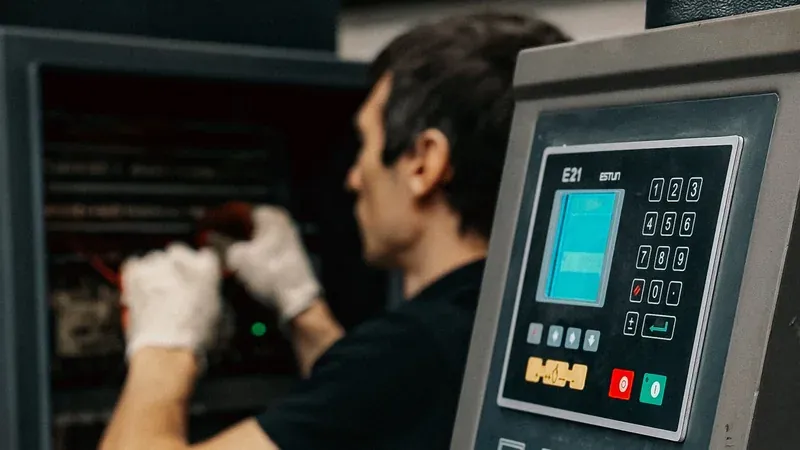
Does your machine need a new HMI or a second screen?
Use a pump skid to decide when to keep the operator panel, add a browser HMI or build a SCADA overview. Includes a handover test.
Read the guide →Practical guides to MES, SCADA, OEE, AI-assisted production analysis, and industrial operations workflows.
Use a pump skid to decide when to keep the operator panel, add a browser HMI or build a SCADA overview. Includes a handover test.
Read the guide →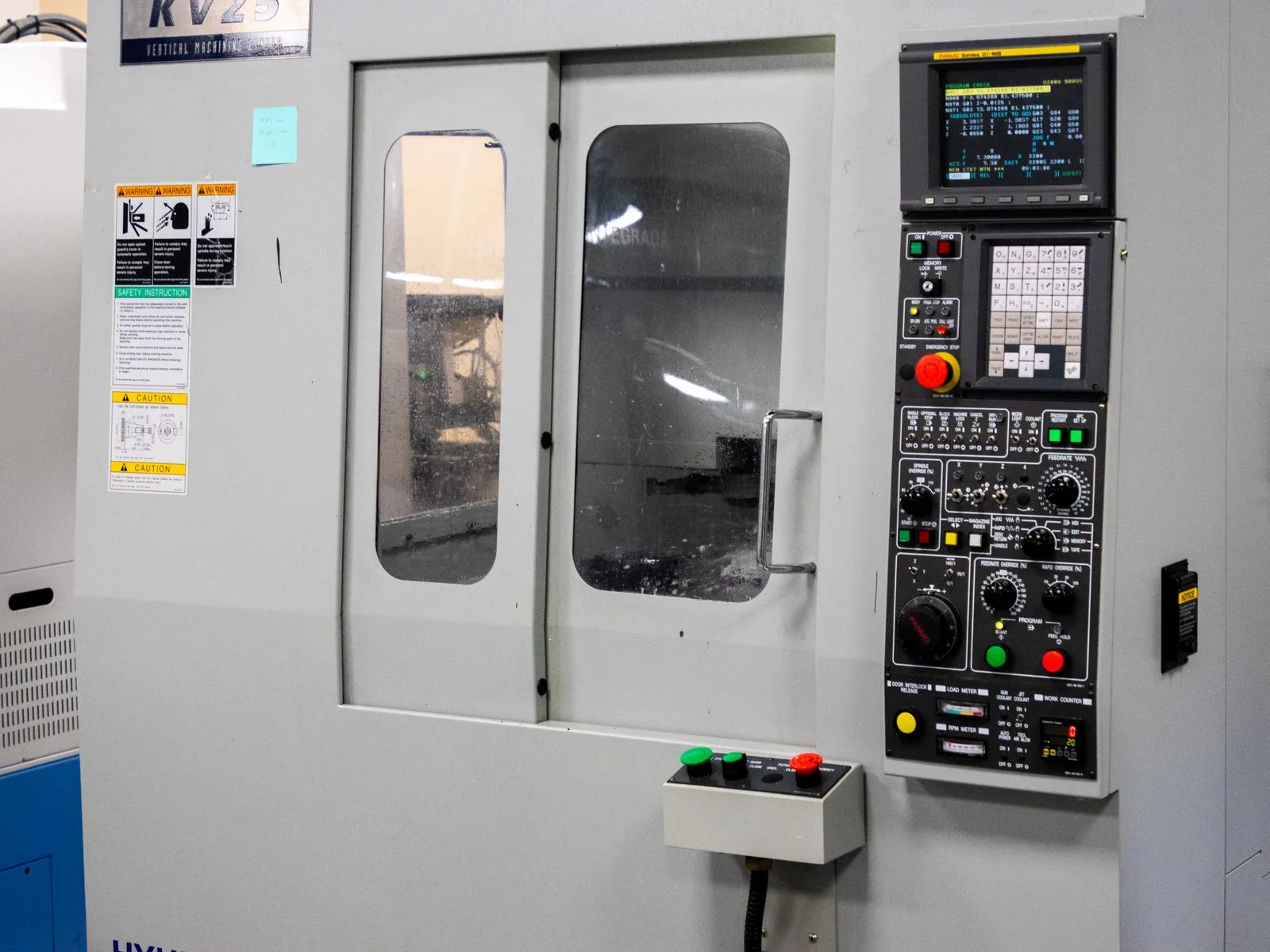
Learn why a SCADA alarm does not prove a production stop's cause. Use an event timeline to connect process evidence, operator checks and MES downtime.
Read the guide →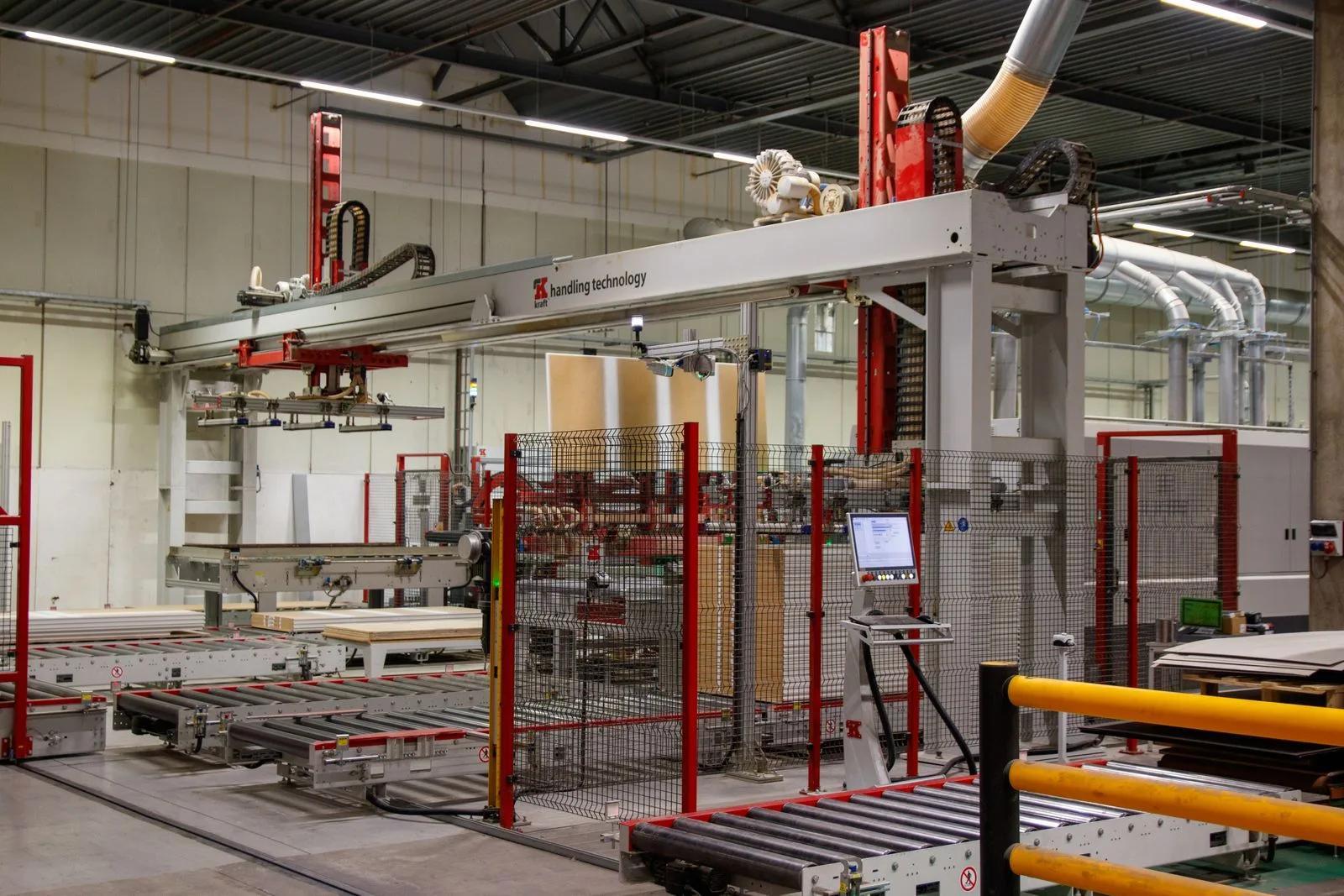
Plan a useful MES pilot with one workcenter. Check counts, downtime reasons, product changes and shift totals before expanding to more machines.
Read the guide →Check signal meaning, units, stale values, trends and operator permissions before publishing a SCADA screen. Use a practical tank and pump example.
Read the guide →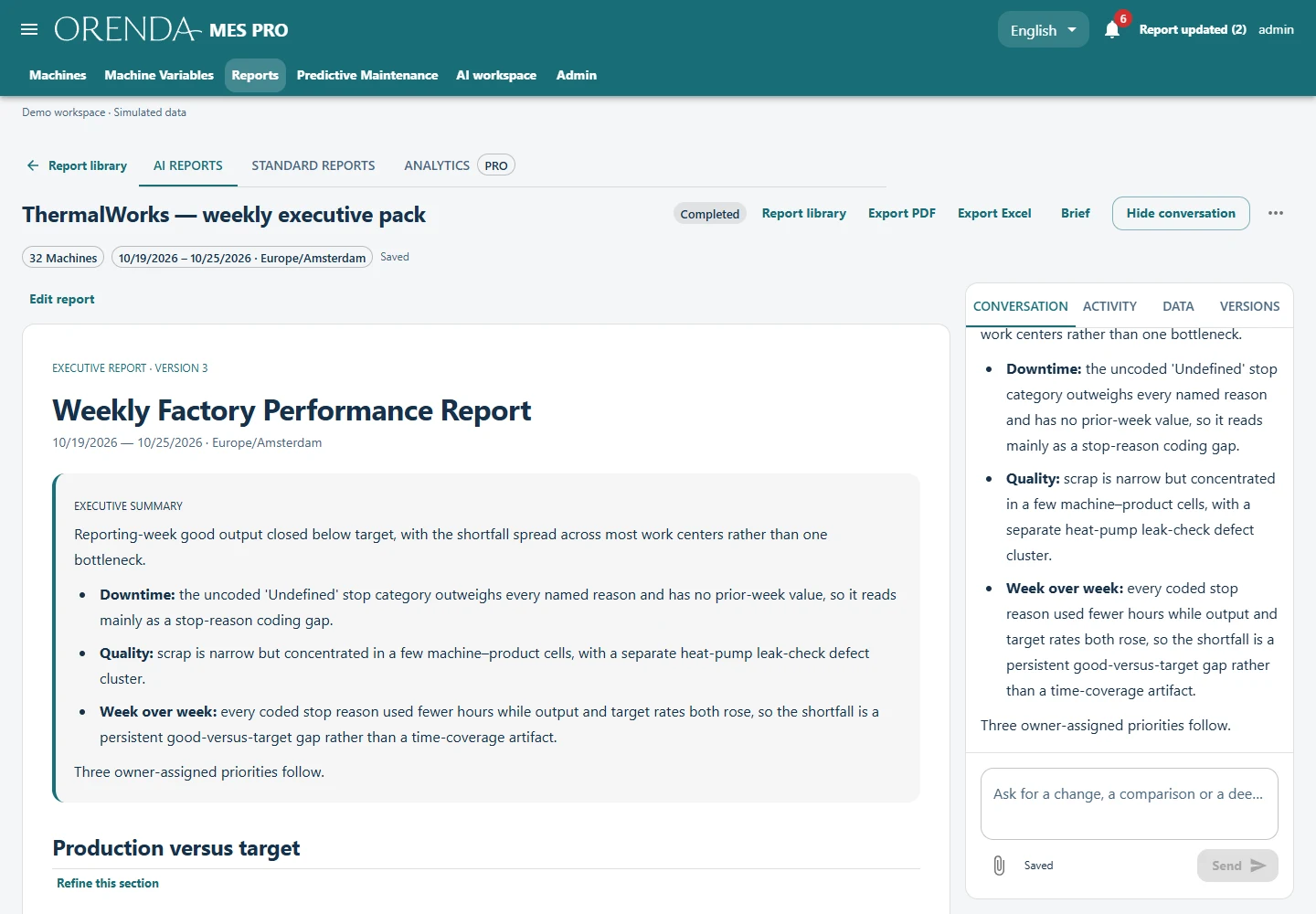
Compare weekly output, downtime and rejects against planned hours. Use a worked example and Orenda AI Reports to review the records and agree follow-up work.
Read the guide →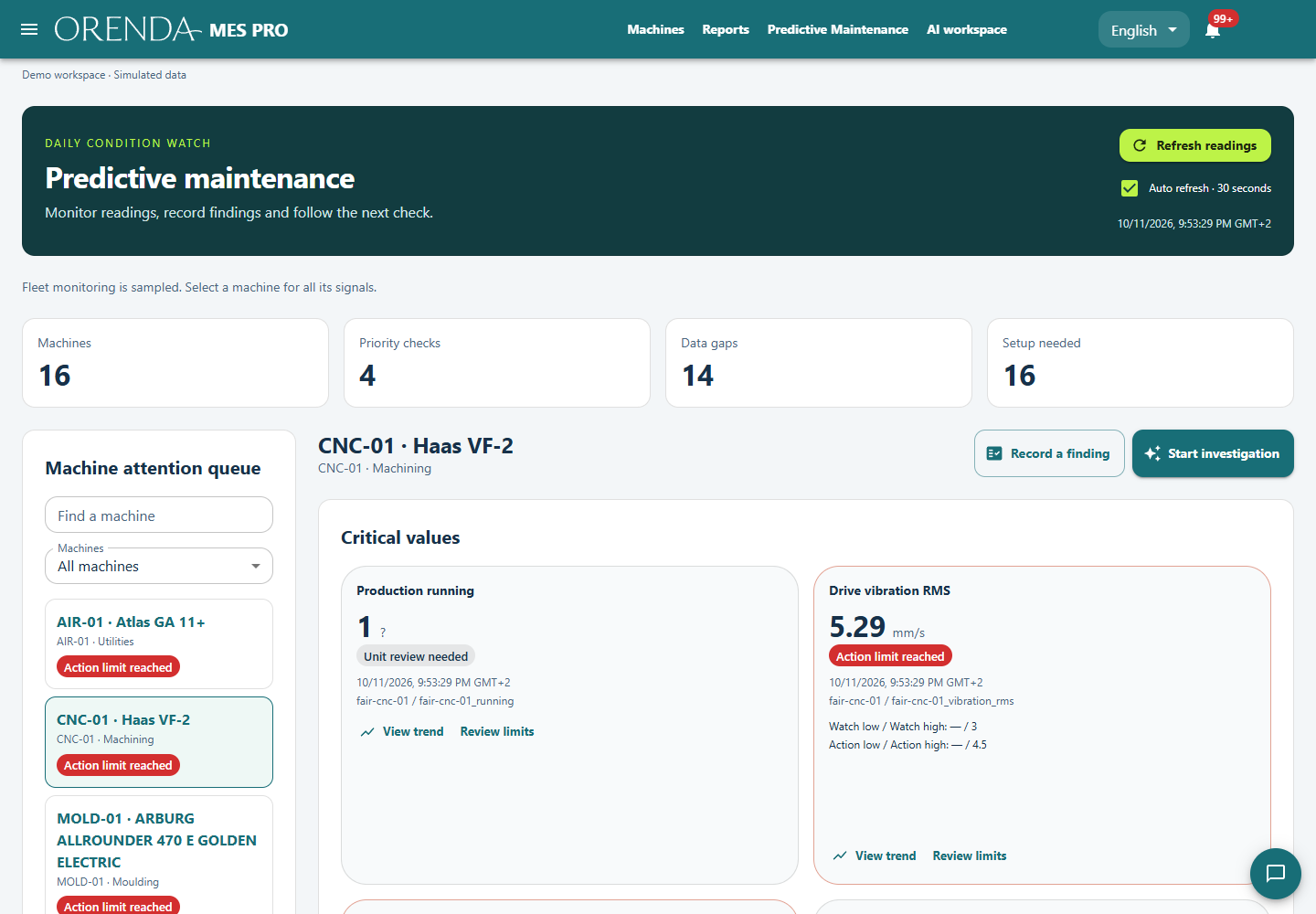
A closed work order records completed work. Use the next operating period to check whether the original machine issue changed.
Read the guide →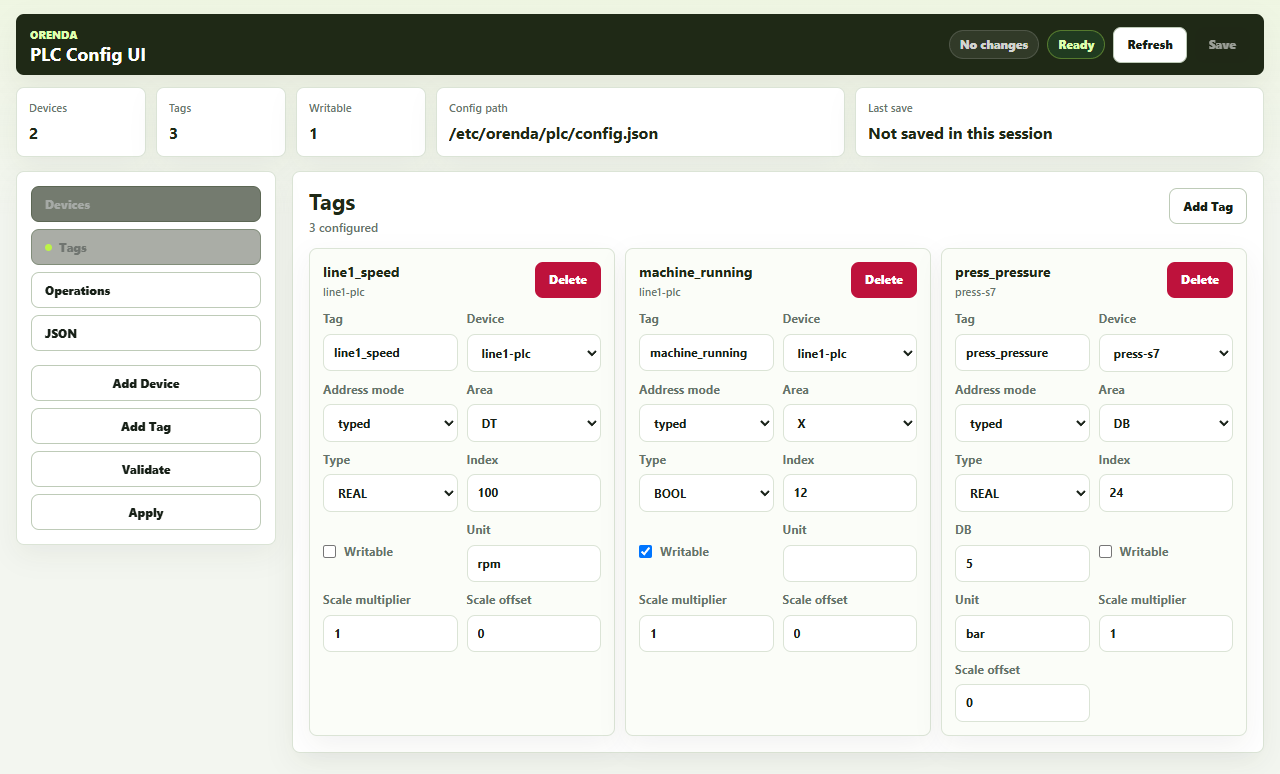
A value can look plausible and still be wrong. Use a short acceptance check before a PLC reading becomes a production count or maintenance signal.
Read the guide →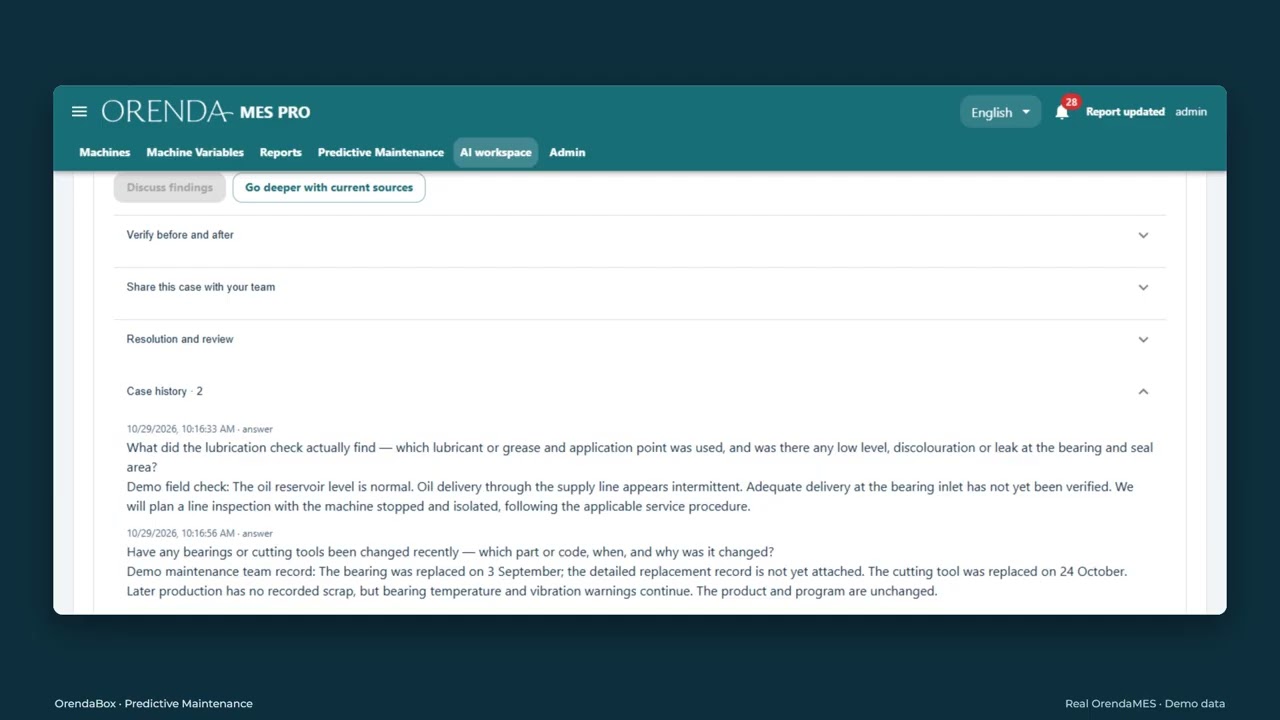
A useful pilot ends with a finding the maintenance team can examine. Start with a specific question and prepare the records needed to answer it.
Read the guide →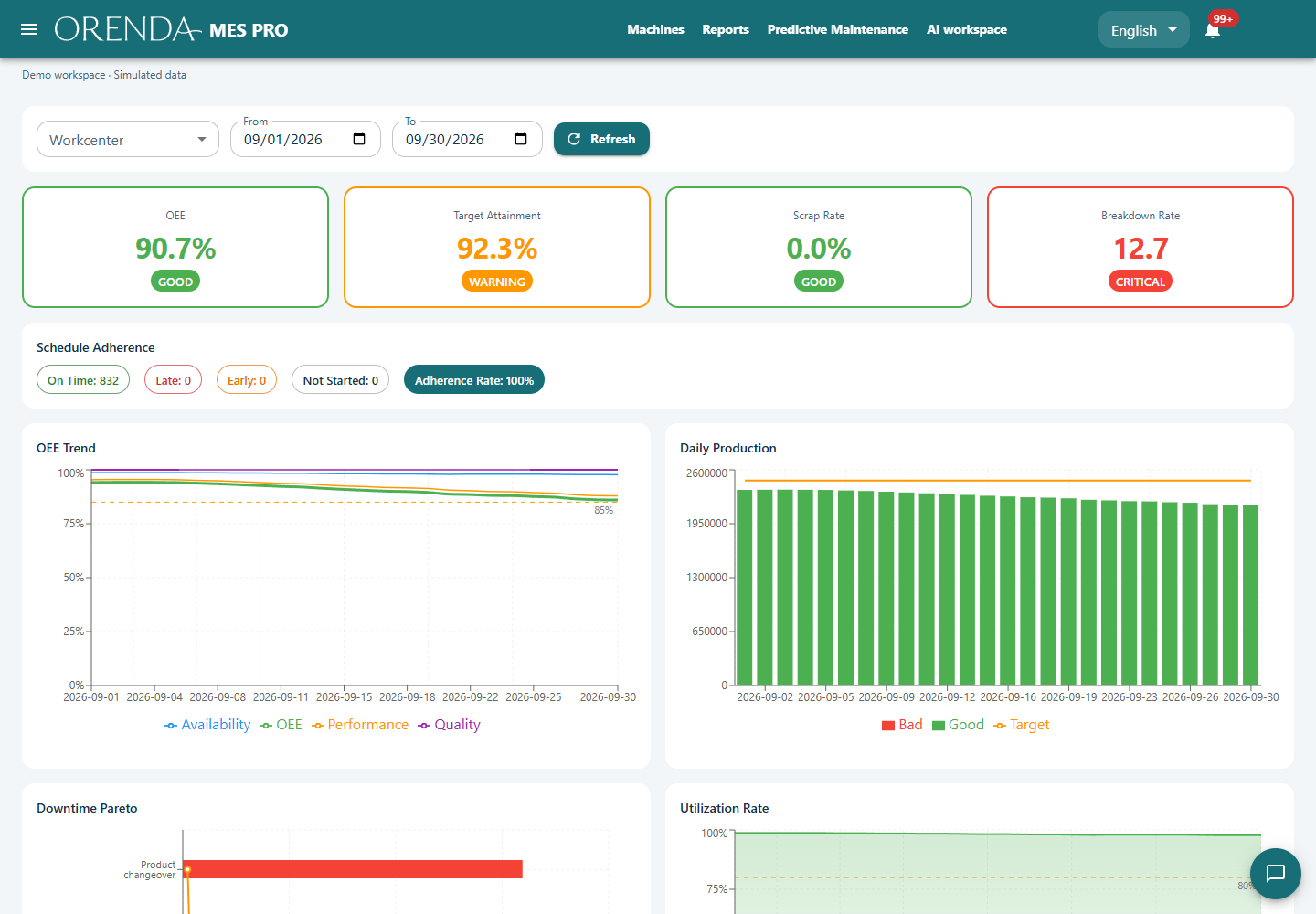
Two reports can use the same labels and still measure different things. Check the scope and calculations before comparing the result.
Read the guide →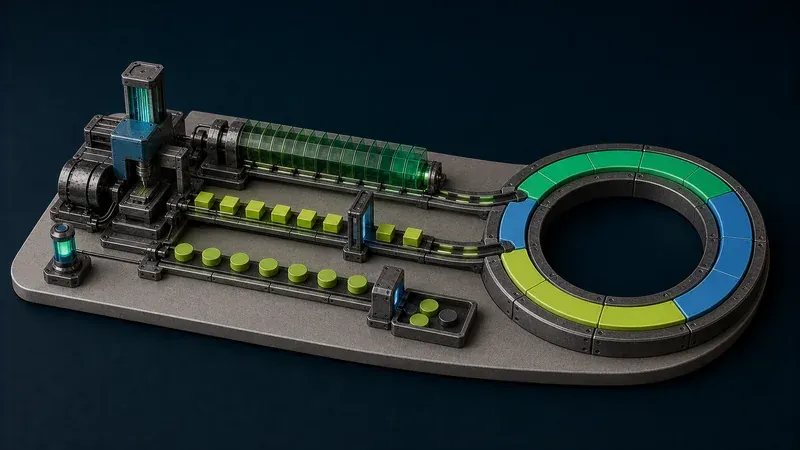
A working production report starts with a few reliable signals and clear definitions. Here is how to build the first one.
Read the guide →
A changed measurement is the start of an investigation. The machine’s history and documentation help the maintenance team decide what to check.
Read the guide →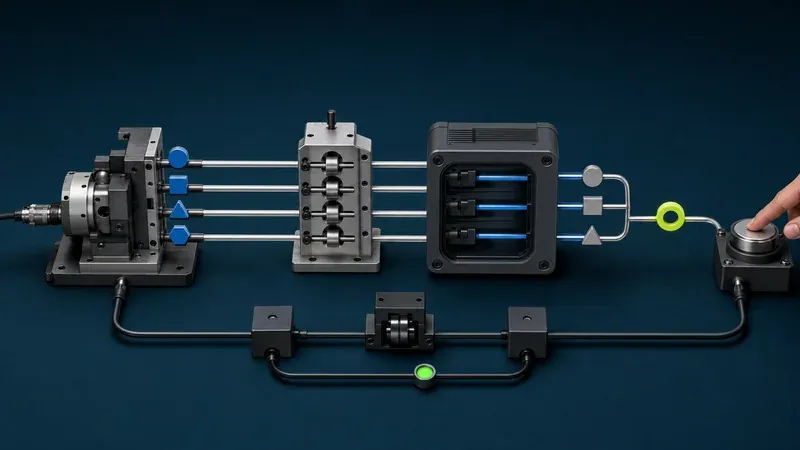
A practical guide to placing selected MES functions and production data on an industrial edge computer without moving PLC control or ignoring lifecycle work.
Read the guide →Use the machine’s records, measurements, and documents to investigate a production question, review the evidence, and keep the result for the next shift.
Read the guide →Compare the operator interface, process view, and production record. Use a practical table and integration checklist to decide what your factory needs.
Read the guide →Calculate OEE from one complete shift, check the units and counting rules, then use availability, performance and quality to locate the production loss.
Read the guide →